
More Fromcmf by Nothing
Only 1 left!
CMF by Nothing Watch Pro Smartwatch with 1.96 AMOLED Dark Grey
39% OFF
AED
182
.50
AED 299.00
39% off
Including VAT
Highlights
- cmf by Nothing Watch Pro Dark Grey+Dark Grey
Delivered by Carrefour

Sold By : MR ENERGY
Get It Delivered By
 Add a protection plan
Description
. Make sure that the Watch Pro is connected to the CMF Watch app and to the phone's Bluetooth.
2. Ensure that display of messages on your phone's status bar is enabled.Go to notification management in your phone's notification settings, tap on the app you need notifications from, and select "Allow notifications".
3. Check the notification reminder settings in the CMF Watch app to see if the message reminder switch is turned on, and if the notifications for third-party apps such as WhatsApp or Facebook are enabled.
4. Check if permission to run in the background is enabled in the CMF Watch app - My - Permission to run in the background.
5. Complete the following operations in your phone's settings:
- Go to "Background power consumption management"in your phone's system settings, select the CMF Watch app, and enable the "High background power consumption" setting.
- Go to application and permission management in your phone's system settings, select the CMF Watch app, and enable the automatic startup setting.
- Android users can enter the multi-task management interface (by swiping up from the bottom of the screen or clicking the button), and select the upper part of the CMF Watch app thumbnail in the interface to lock the CMF Watch app.
Compare with similar products
Selected Item
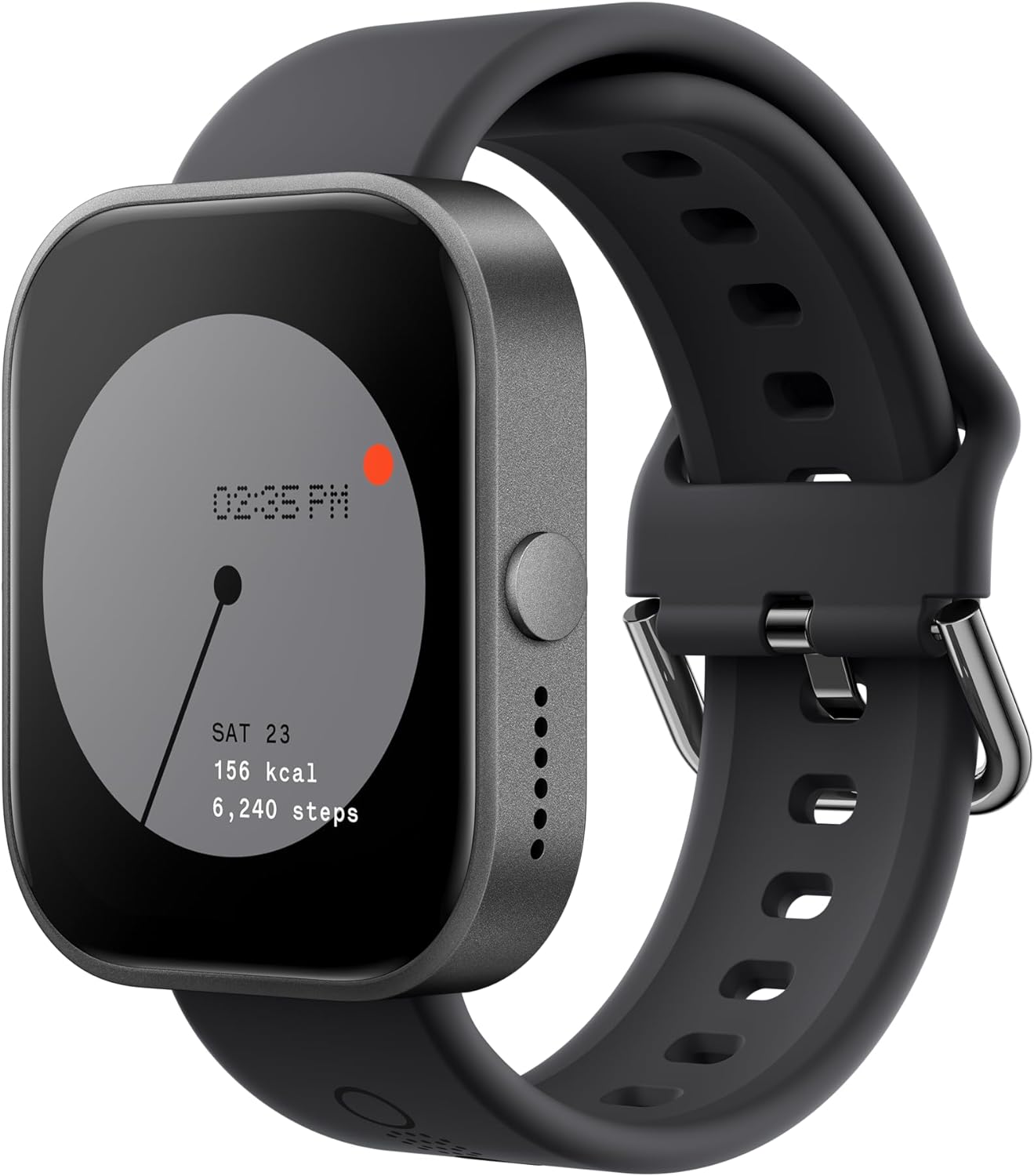
CMF by Nothing Watch Pro Smartwatch with 1.96 AMOLED Dark Grey
AED
182
.50
4.7
Add up to 3 more items to compare
Add up to 3 more items to compare