

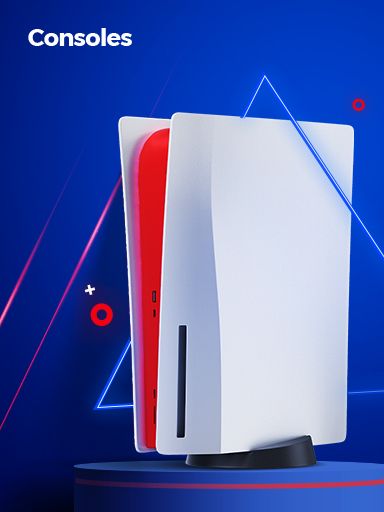
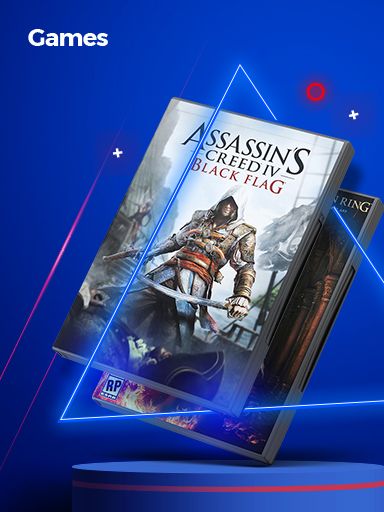
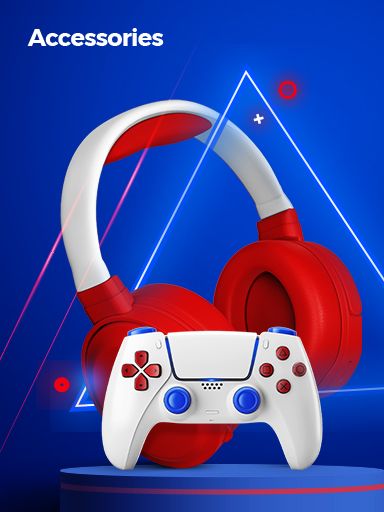
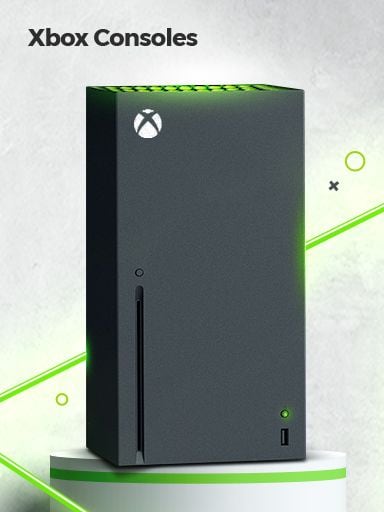
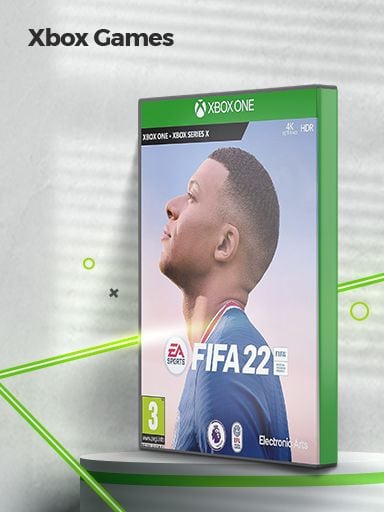
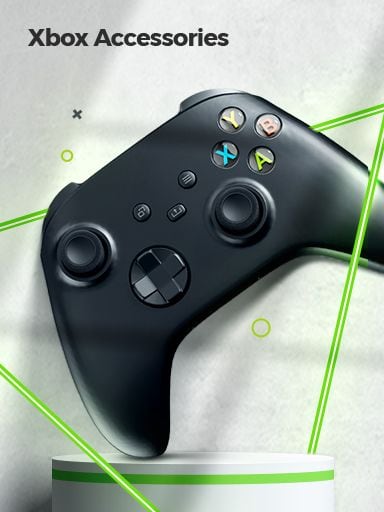
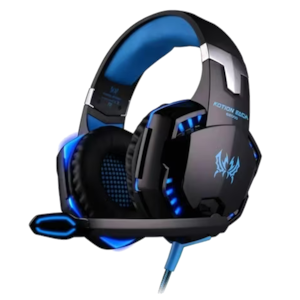
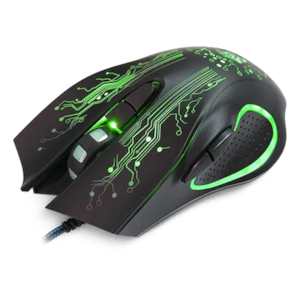
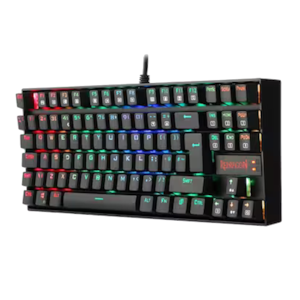
Gaming can be a way to relax, take on a challenge or play with friends. Video Games & Consoles brings together gaming systems, games and accessories for different play styles. You can find options for solo play, shared sessions and virtual reality experiences. Explore the Electronics & Appliances range at Carrefour UAE to discover gaming products for your setup. Start with the type of games you enjoy and the way you prefer to play. Browse the main product groups to find what you need for your gaming setup. Product types and compatibility vary by model. Check the product details before making your choice. Different games offer different ways to play. Some focus on stories and characters. Others test your speed, skills or ability to solve problems. These are broad game types, and some titles combine more than one style. Check the game description, age rating and supported platform to see if it suits you. Video Games & Consoles covers gaming systems, game titles and equipment that supports play. Consoles run compatible games, while game software offers different genres, stories and challenges. Gaming accessories can add controls or other features, depending on the product. Virtual reality (VR) products offer an immersive way to play when used with supported equipment. Features differ across gaming systems and titles. Some games support solo play, while others offer local or online multiplayer modes. Accessories may include controllers, headsets, charging equipment and other gaming add-ons. VR equipment has its own system and game requirements. When exploring gaming products, check the supported platform, connection type, player modes and any extra equipment needed. This helps you understand how each item fits into your setup. A few checks can help you choose a gaming product that suits your needs. Game features and system requirements vary by product. Read the specifications and game details before ordering. Looking for a new game or planning to upgrade your gaming setup? Start with the type of product you need. You can browse Consoles for gaming systems or explore Games to find titles that suit your interests. Your gaming platform can help narrow the search. If you already own a console, focus on games made for that system. You can also compare products by brand and price to find options within your budget. Where available, use ratings and stock filters to refine your results. Sorting by price can help you compare products across a range of budgets. Before ordering, check the product listing for current availability and details. Explore gaming brands such as Sony PlayStation, Xbox and Nintendo for consoles and games. For gaming accessories, brands like Logitech offer products for different setups. You can also find games from publishers such as Electronic Arts and Activision, along with VR products from Meta. Each brand offers different products and features. Compare supported platforms, game titles and accessory options to find what works with your setup. If you already own a console, check that new games and accessories are compatible with it. A gaming setup may include more than a console and a game. You may also need a controller, headset, charging cable or other accessory. The items you need depend on the system and how you play. For example, a headset may support game audio or voice chat when compatible. An extra controller may help when more than one person wants to play. VR equipment may require a specific headset, controller or other supported device. Browse Gaming Accessories & VR to explore add-ons for different gaming needs. Check supported systems and included items before buying anything extra. Gaming can fit into a quiet evening, a weekend break or time with friends. A story-based game may suit a solo session. A sports or racing game can bring a competitive feel to a shared session. Multiplayer games may also offer a way to connect with friends. Think about how much time you want to spend playing and whether you prefer short sessions or longer challenges. If several people will use the same system, check the supported player modes and controller needs. For a shared gaming session, plan where players will sit and how they will view the screen. A clear setup can make it easier for everyone to join in. A video game console runs games that are made for or supported by that system. The game provides the content, while the console handles the processing needed to play it. A compatible screen and suitable controls are usually part of the setup. Some games and systems support extra features, such as online play, voice chat or VR. These features may need an internet connection, a subscription or additional equipment. Requirements vary by product. Before choosing a game, confirm that it supports your console. If you plan to add accessories, check their compatibility as well. This helps you choose products that work together as intended. Video Games & Consoles includes gaming systems, game titles and related products. The category may also include gaming accessories and virtual reality equipment. You can explore consoles, games, gaming accessories and VR products. The available range may vary by product and stock. A console is the system used to run compatible games. A video game is the software you play on that system. Check the game’s listed platform and system requirements. Make sure they match your console model before buying. Some setups may need extra controllers, headsets, charging equipment or other accessories. Check what comes with the product and what it supports. Some games support local multiplayer or online play. Check the game details for player modes and any extra requirements. Review compatibility, features, age ratings where relevant and box contents. Also check the product specifications, delivery details and return terms before placing an order.Explore Video Games & Consoles for Every Play Style
Find gaming products that match your interests, space and play style.
Explore Video Games & Consoles by Category
Start with the product type you need, then explore the available options.
Find Games That Match Your Play Style
Choose a game based on the kind of challenge or story you enjoy.
Types, Features & Compatibility
Check the platform, features and supported equipment to understand how each gaming product works.
What to Check Before Buying a Console
Check compatibility and requirements before adding a new game or device to your setup.
Find Gaming Products That Fit Your Budget and Platform
Narrow your search by product type, gaming platform and budget to find suitable options.
Browse Gaming Brands
Check how a product fits your current setup before choosing a brand or model.
Build a Gaming Setup That Works Together
Make sure each accessory works with your gaming system before adding it to your setup.
Make Gaming Part of Your Free Time
Choose games and player modes that suit how you like to spend your free time.
How Do Video Games and Consoles Work Together?
Match your game and accessories to the console or platform you use.
FAQs
What are Video Games & Consoles?
What types of gaming products can I buy?
What is the difference between a console and a video game?
How do I know if a game works with my console?
Do I need extra accessories for gaming?
Can I play games with friends?
What should I check before buying gaming products online?